Examify Web Application
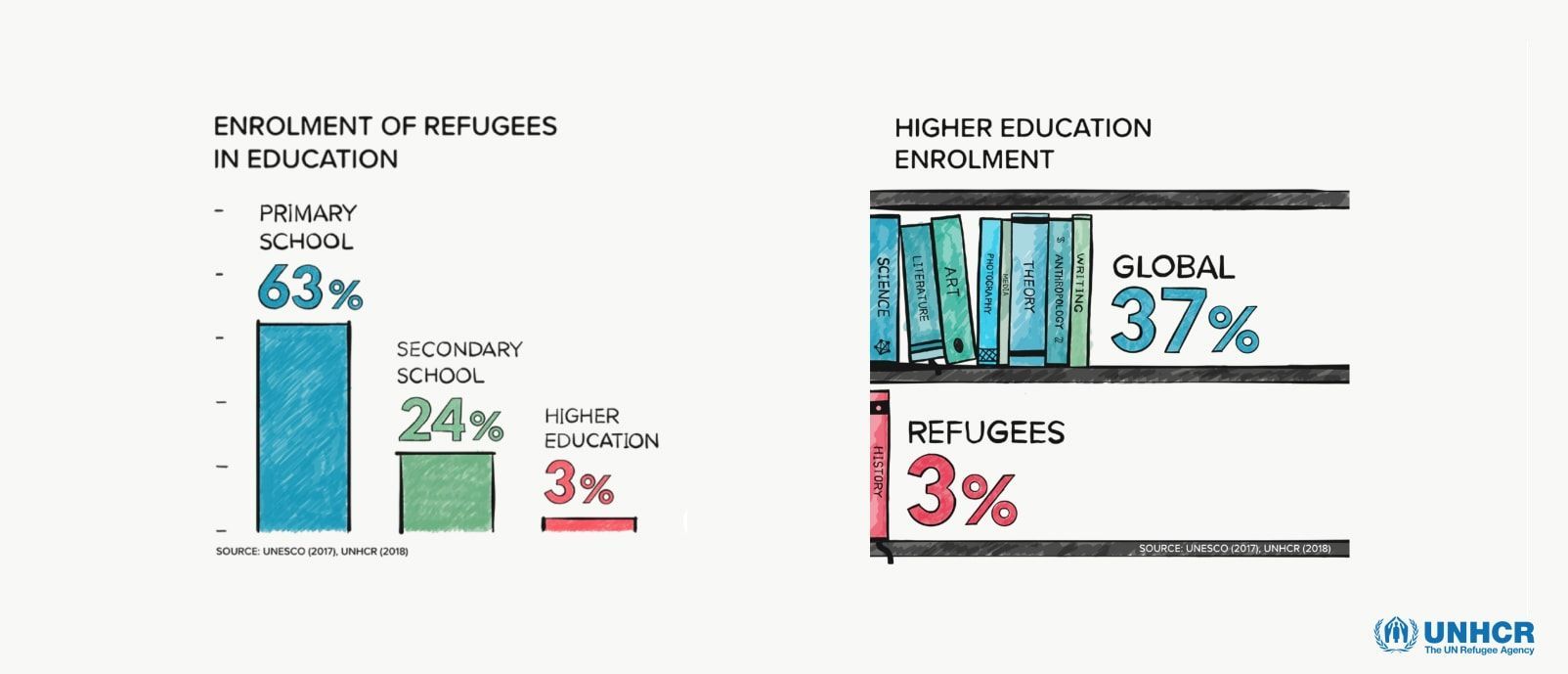
The goal was to help Inzone, a program of the University of Geneva, which facilitates refugees' access to higher education, by building a web-based evaluation and feedback application.
This project was created within a hands-on software challenge. It was an opportunity to collaborate remotely with a team and go through the entire software development life cycle. You can read more about the program here.
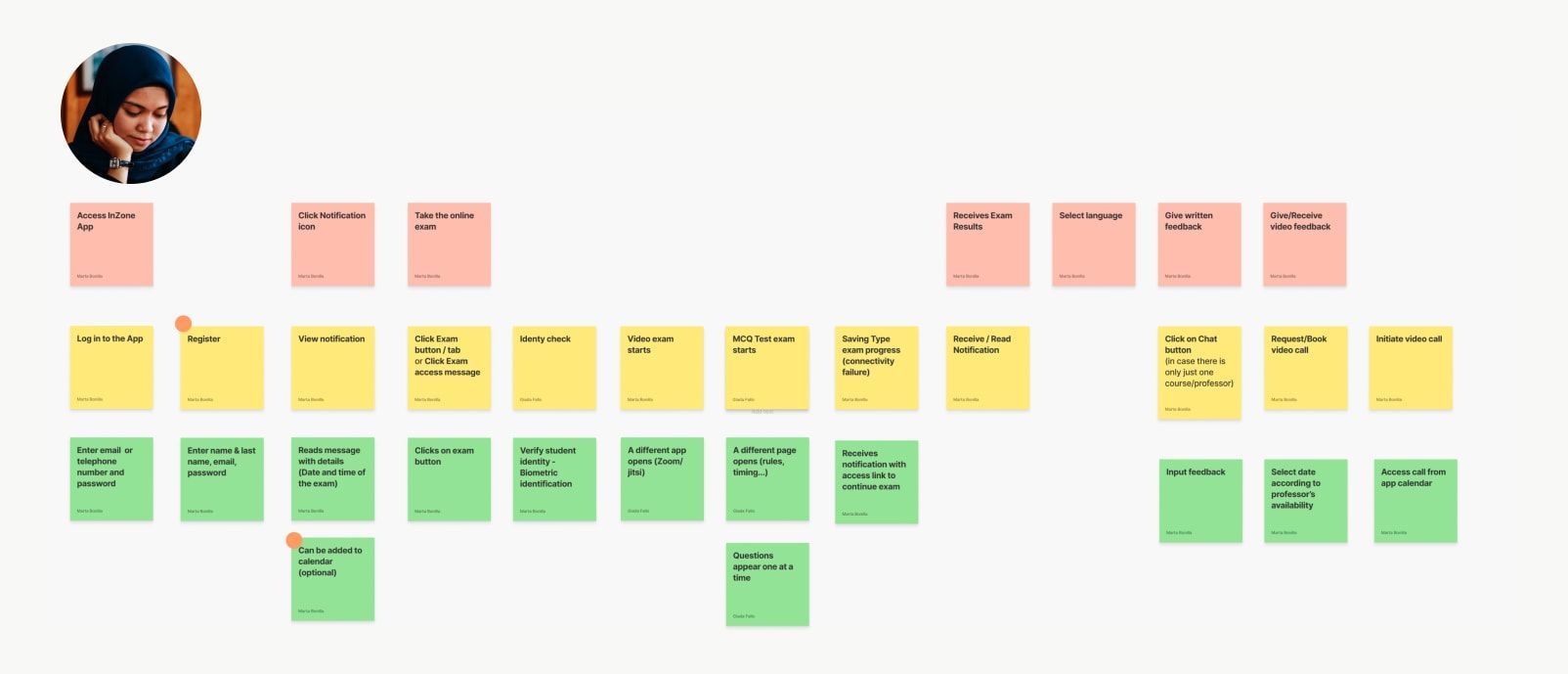
I carried out a story mapping to help define what to build. From top to bottom activities, steps, and details for the product.
To begin with, we run interviews with the product owner and some of the on-site coordinators to better understand the problem space and the challenges the users were facing.
The main problems were poor internet connectivity and exam manual workflow. I created several user flows that would help the team better visualize workflows and user tasks.

User flow for the a type of user (coordinator), showing how to create a new exam.
The user flows represented several scenarios that prioritized the identified problems. For the student flow, we focused on the following scenario:
"As Zakia, I need the exam timer to be paused when there are connectivity or power issues so that I don’t have to worry about losing progress. Also, I want to be able to understand the language of the exam so that I can take it. "
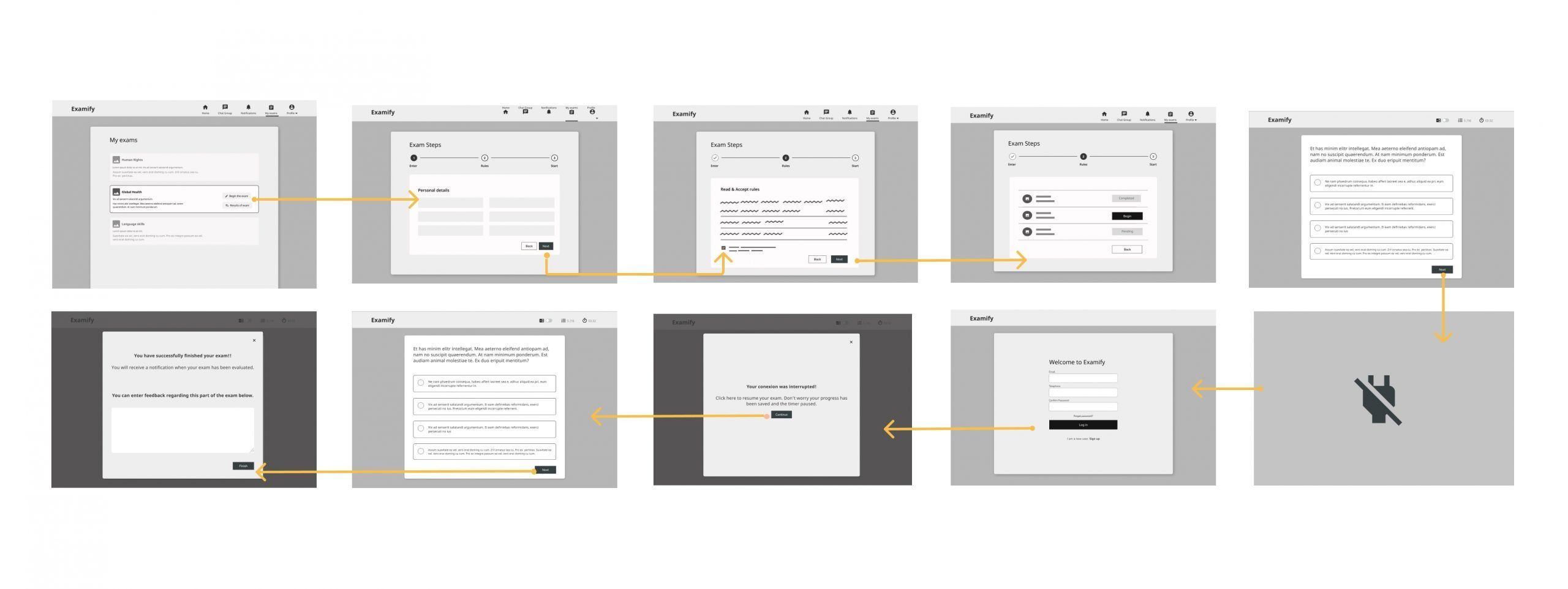
Student flow, where she takes an exam and suffers a power interruption. You can view the prototype here.
For the coordinator the scenario we focused on was:
"As Karim, I want to be able to easily create exams and keep track of the student's progress before, during, and after the exam so that I can guarantee fairness in exams to professors and lecturers and successful completion of courses and exams for students."
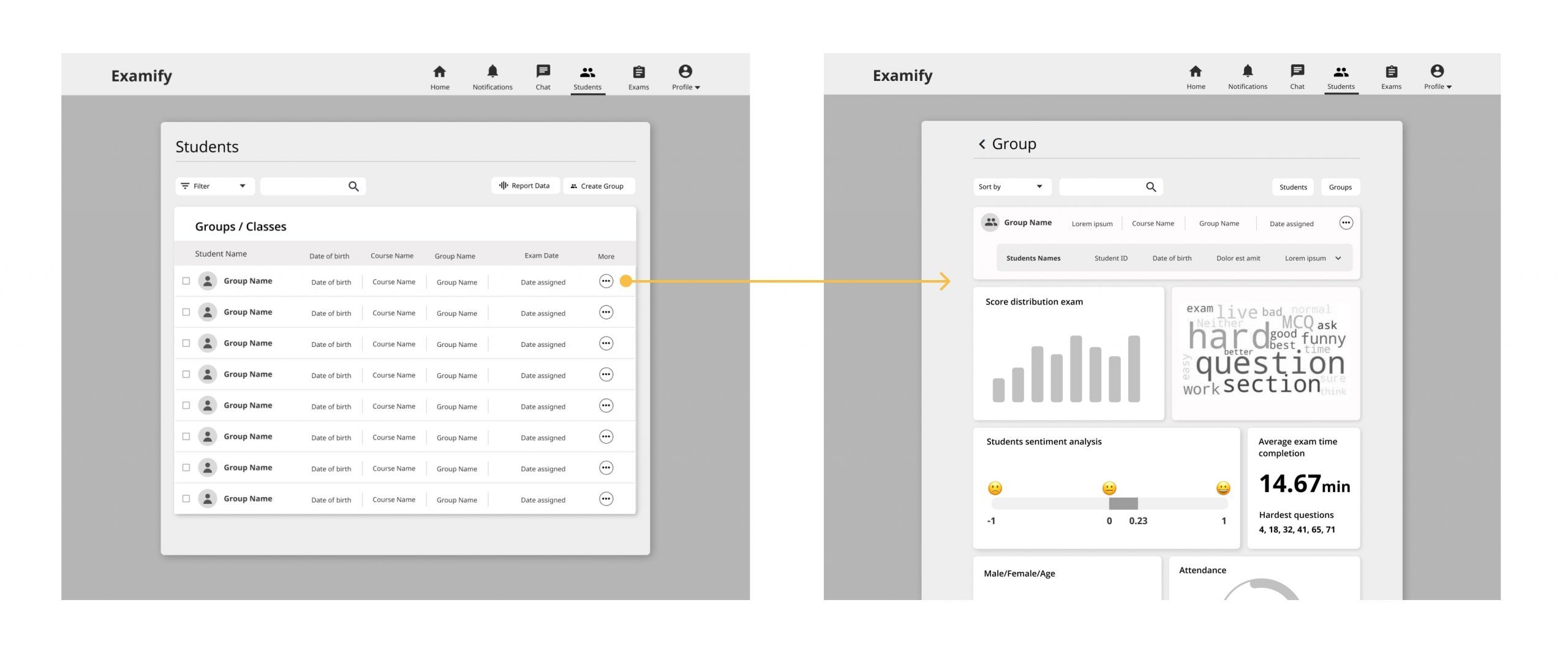
The coordinator can access the class dashboard, track feedback, and see the data integrated. View more or in detail here
The final UI was presented in dark mode as a battery consumption solution for tablets.
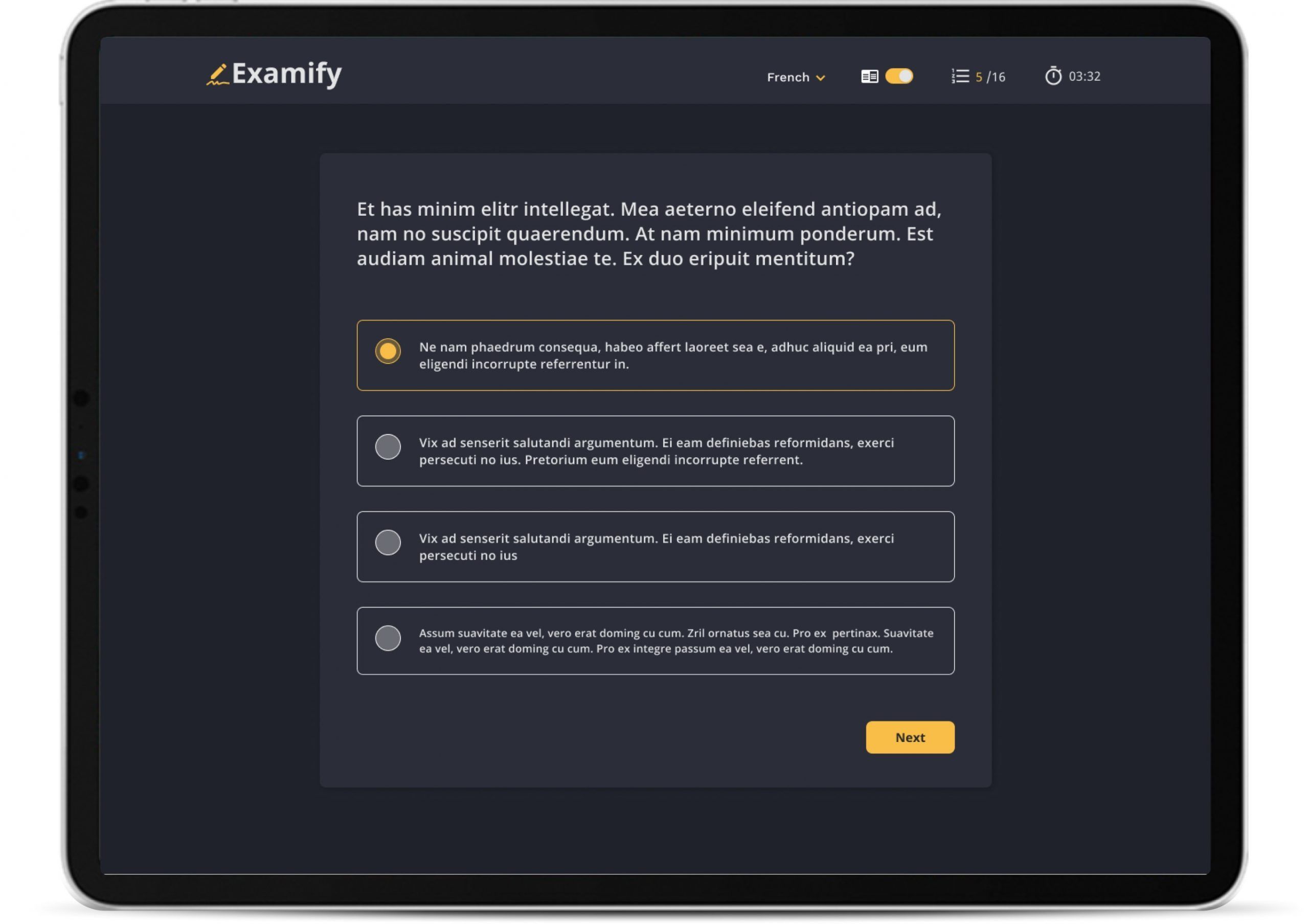
This screen shows a multiple-choice exam interface. The user would be able to choose the language and dark mode on/off.
Methods and responsibilities
Stakeholder and user interviews, sketches, sitemap, user flows, wireframes, and visual design.
Core team
Project manager, UX/UI Designer, Fullstack developer & Data Scientist
Projects Overview


Landing Pages for a global leaderProject type
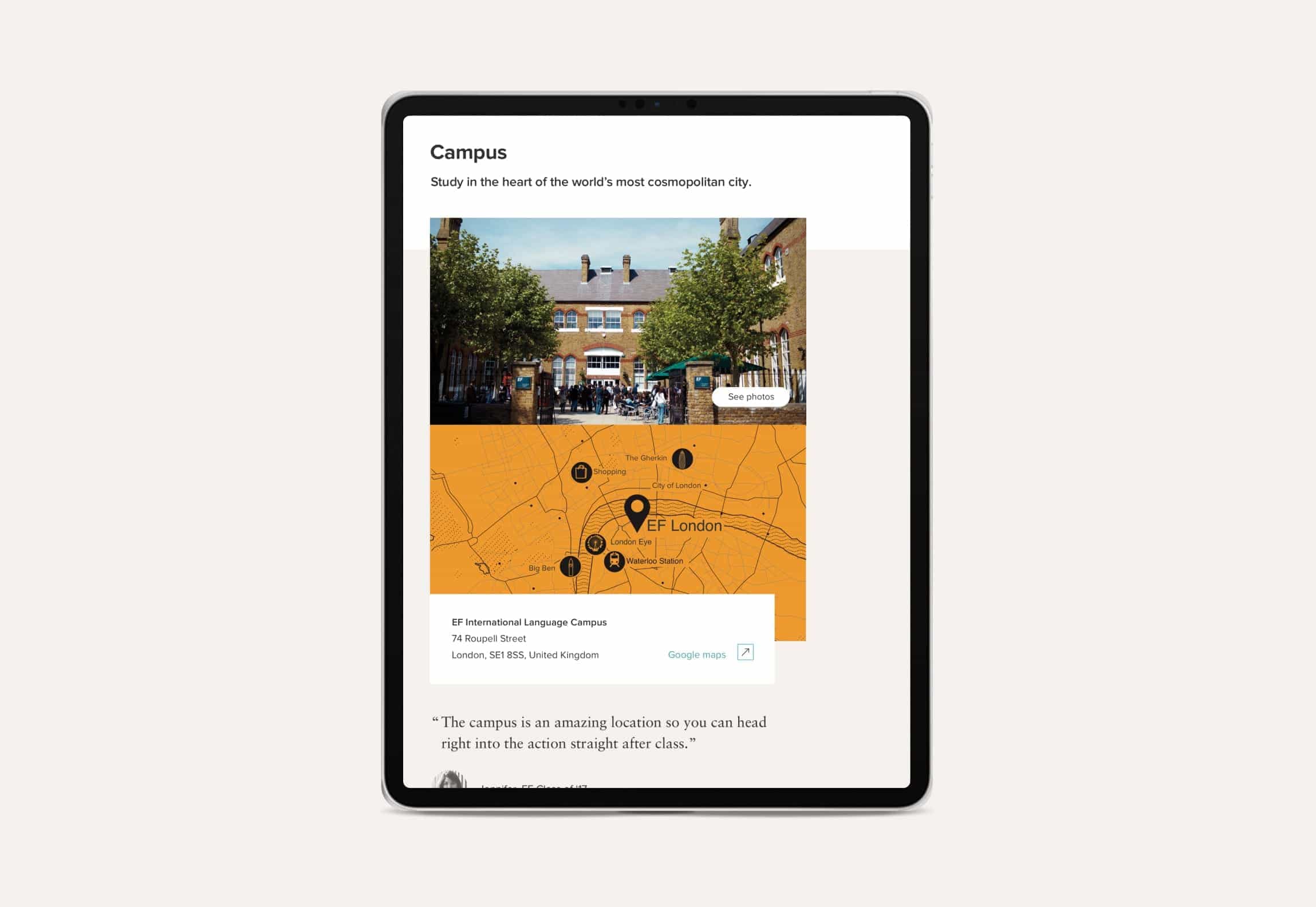
EF Language WebsiteWeb / UX Research


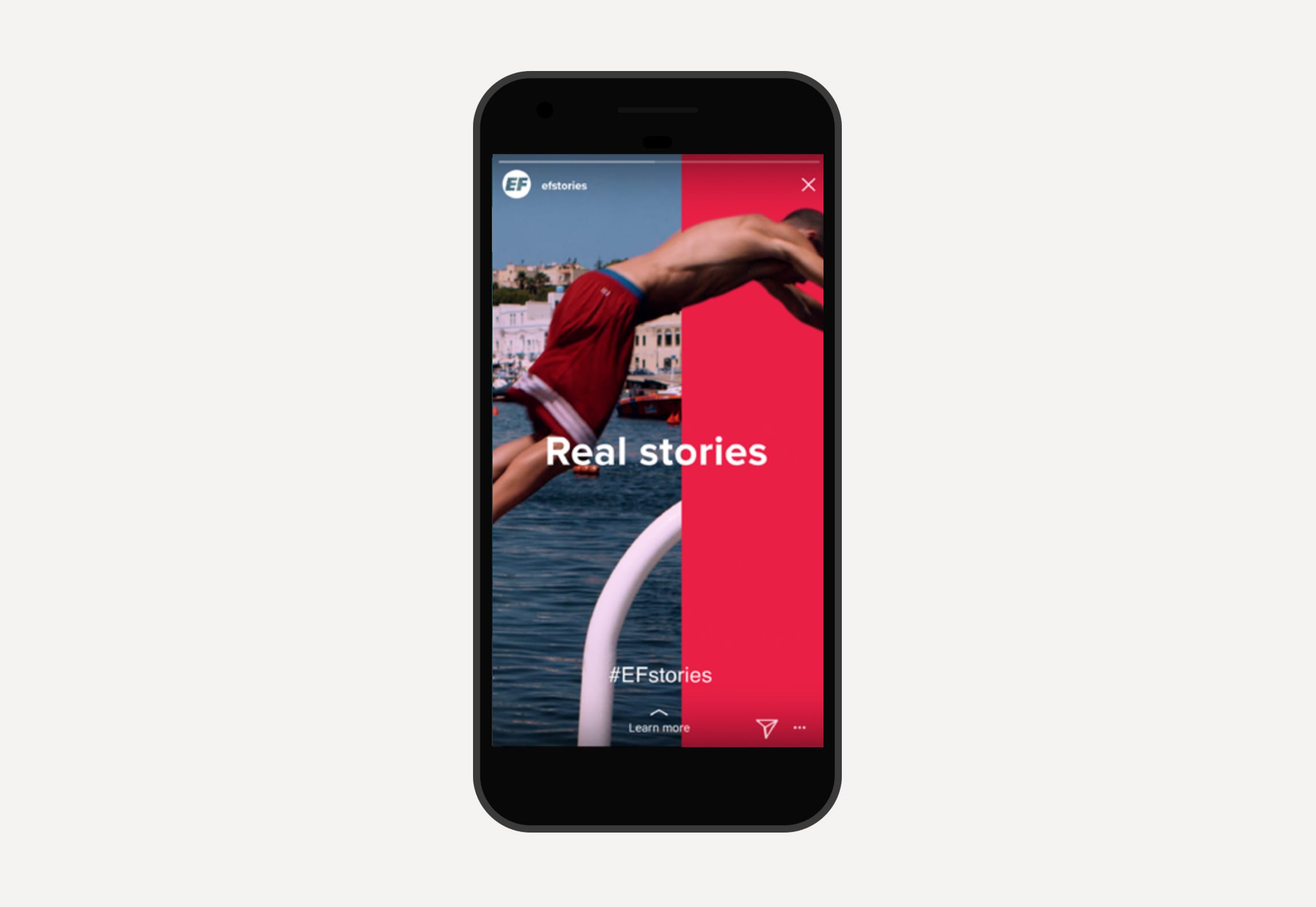

EF Go BlogBranding / Web